What matters when buying Desktop Computer
Purpose and Usage
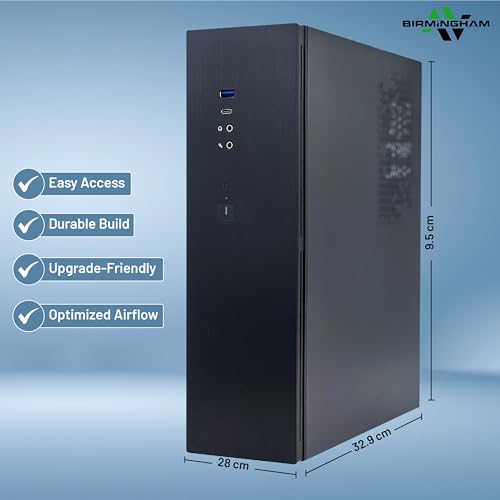
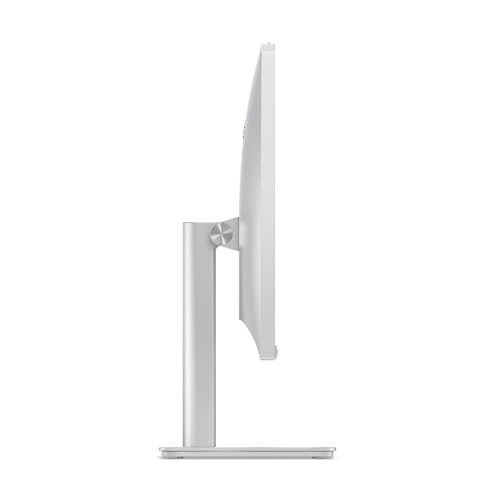
Understanding the primary purpose for which the desktop computer will be used is essential. For gaming, high-performance systems with powerful processors and graphics cards are recommended. Options with dedicated GPUs, such as NVIDIA RTX series, can handle demanding games and graphic-intensive applications. For general office tasks, web browsing, or casual use, a mid-range processor and integrated graphics may suffice. All-in-one PCs can be convenient for users with limited space or who prefer a tidy setup.
Performance Specifications
Key specifications to consider include the processor type, RAM, and storage capacity. Processors from Intel and AMD vary in performance; higher-end models typically offer better multi-tasking capabilities and speed. Aim for at least 16GB of RAM for smooth operation, especially for multitasking or running complex applications. Storage options, such as SSDs, provide faster load times compared to traditional HDDs. A minimum of 512GB SSD is often recommended for general use, while gamers or content creators may require larger storage capacities, up to 4TB in some cases.
Display and Graphics
The display size and quality can significantly affect the user experience. Larger screens, such as 27 inches or above, are beneficial for productivity and entertainment, providing ample space for multitasking. Full HD (1080p) resolution is standard, but higher resolutions can enhance visual clarity, particularly for gaming or graphic design. Integrated graphics may be suitable for everyday tasks, while dedicated graphics cards are necessary for gaming or professional applications involving video editing or 3D rendering.
Connectivity and Additional Features
Connectivity options, including Wi-Fi standards and Bluetooth versions, should align with the intended use. Wi-Fi 6E and Wi-Fi 7 are the latest standards, offering faster and more reliable connections. Additionally, consider the number and types of ports available, such as USB, HDMI, and Thunderbolt, as these will affect compatibility with other devices. For those who prefer a clean workspace, all-in-one models reduce cable clutter, while traditional tower desktops may offer more upgrade options in the long run. Lastly, assess any included accessories, such as keyboards and mice, which can enhance the overall value of the purchase.
Footnotes
* Terms such as "best" and similar expressions reflect our personal assessment.
** Prices and availability may have changed since they were last retrieved. The price shown by the seller at the time of purchase applies.
Further important information
We may receive a commission if you make a purchase via the links on our site. This has no impact on the placement of the products on our site. Our website is part of amazon associates program - Amazon, Amazon Prime, the Amazon Logo and Amazon Prime Logo are registered trademarks of Amazon, Inc. or its affiliates. Disclaimer:
- The price shown may have increased since our last update.
- The sale takes place at the price stated by the seller at the time of purchase.
- Updating prices in real time is not technically possible.